
Discord HypeSquad: Houses, Badges & How to Join
Everything you need to know about Discord's HypeSquad program — the three houses, how to join, what the badges mean, and the history of HypeSquad Events.
What Is Discord HypeSquad?
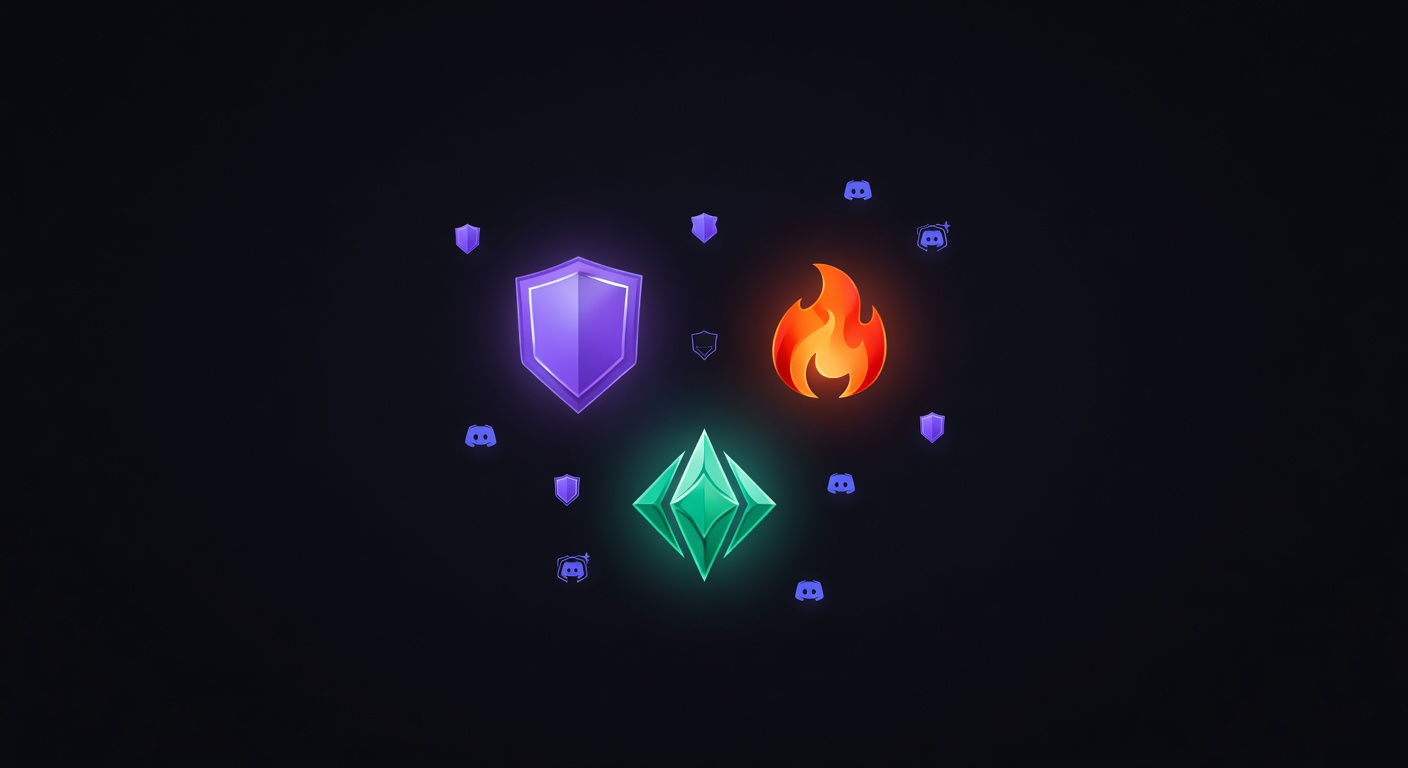
HypeSquad is Discord's community program that sorts users into one of three houses — Bravery, Brilliance, or Balance. It's inspired by the house systems from franchises like Harry Potter, giving users a group identity and a badge on their profile.
The program is free and available to every Discord user. Joining takes about 30 seconds: answer a short personality quiz in Discord's settings and you're assigned to a house. That's it. You get a badge, bragging rights, and a vague sense of belonging to something.
HypeSquad has evolved since its launch. The original HypeSquad Events program — where real people attended real events — has been discontinued. What remains is the online quiz and the house badges.
The Three Houses
HypeSquad Bravery
Color: Purple Badge: Purple shield icon
Bravery is described by Discord as the house for people who are bold, passionate, and willing to take risks. The quiz routes users here if their answers lean toward adventurousness, spontaneity, and confidence.
In practice, house assignment is based on a simple personality quiz and the distinctions are lighthearted. Bravery tends to attract users who self-identify as outgoing or action-oriented.
HypeSquad Brilliance
Color: Orange Badge: Orange shield icon
Brilliance is positioned as the house for intellectual, curious, and analytical users. Quiz answers that favor logic, strategy, and thinking before acting lead to a Brilliance assignment.
Brilliance members often joke about being the "smart house" — though the quiz is short enough that the sorting is more personality-suggestive than scientifically rigorous.
HypeSquad Balance
Color: Green/Teal Badge: Green shield icon
Balance is described as the house for calm, collected, and supportive users. Quiz answers that prioritize harmony, cooperation, and stability lead here.
Balance is often cited as the most popular house in online polls, though Discord hasn't published official statistics on house membership sizes.
How to Join HypeSquad
Joining is straightforward and takes under a minute:
- Open Discord (desktop or mobile)
- Go to User Settings (gear icon near your username)
- Scroll down to HypeSquad in the left sidebar
- Click Join HypeSquad
- Answer the short personality quiz (5 questions)
- You're sorted into a house and receive the badge immediately
The quiz presents hypothetical scenarios and asks you to choose a response. Your answers determine which house you're placed in. The questions are intentionally casual — this isn't a rigorous personality assessment.
Changing Your House
You can retake the quiz at any time by going back to the HypeSquad settings page. Your badge updates instantly to reflect the new house. There's no penalty or cooldown for switching.
If you want a specific house, you can look up which quiz answers lead to each house — the quiz has been documented extensively by the community. Choosing the "boldest" answers tends to give Bravery, "smartest" answers give Brilliance, and "calmest" answers give Balance.
Leaving HypeSquad
If you want to remove the badge entirely, you can leave HypeSquad from the same settings page. Click Leave HypeSquad and the badge is removed from your profile immediately.
The HypeSquad Badge
Each house has a distinct badge that appears on your Discord profile:
| House | Badge Color | Badge Shape |
|---|---|---|
| Bravery | Purple | Shield with sword |
| Brilliance | Orange | Shield with diamond |
| Balance | Green/Teal | Shield with scales |
The badge appears alongside other badges on your profile — Nitro, Early Supporter, Active Developer, etc. It's one of the easiest badges to obtain since it only requires answering a quiz.
On discord.dog, HypeSquad badges are displayed on every profile that has one. Visit discord.dog/{userId} to see a user's full badge collection, including their HypeSquad house. See the complete badges guide for details on every Discord badge.
HypeSquad Events (Discontinued)
The original HypeSquad program, launched in 2017, was called HypeSquad Events. This was a real-world program where Discord selected community members to represent the platform at conventions, gaming events, and meetups.
What HypeSquad Events Members Did
- Attended gaming conventions and tech events on Discord's behalf
- Set up Discord booths and handed out merchandise
- Demonstrated Discord to potential new users
- Organized community meetups and local events
- Received exclusive Discord merchandise and swag
The HypeSquad Events Badge
Members of the HypeSquad Events program received a special badge — distinct from the house badges. This badge indicated they were part of the real-world ambassador program, not just the online quiz.
The Events badge is no longer obtainable. Users who earned it before the program was discontinued still have it on their profiles. It has become one of the rarer Discord badges, alongside Early Supporter and Verified Bot Developer.
Why It Was Discontinued
Discord phased out the HypeSquad Events program as the platform grew beyond the point where grassroots event marketing was necessary. The online house quiz system replaced it as the primary HypeSquad experience. The exact discontinuation timeline wasn't formally announced — the application page was quietly removed and no new members were accepted.
HypeSquad in the Community
Despite the lighthearted nature of the program, HypeSquad houses have developed genuine community identity. Server owners sometimes create house-specific roles or channels. Community events occasionally pit houses against each other in friendly competitions.
The three-house system creates natural conversation starters — "What house are you?" is a common question in Discord communities. It gives users a low-stakes identity marker that's easy to change if they want.
Checking HypeSquad Badges on discord.dog
discord.dog shows HypeSquad badges on every user profile. When you visit a profile page:
- The HypeSquad house badge appears in the badges row
- The badge is labeled with the house name (Bravery, Brilliance, or Balance)
- Users without a HypeSquad badge simply don't show one — it's not mandatory
This is useful for quickly checking which house someone belongs to, or verifying whether a user has the rare HypeSquad Events badge.
Check any user's badges → Visit discord.dog and enter a user ID or username to see their full badge collection, including HypeSquad house. For a complete breakdown of every badge type, see the Discord badges guide.
Frequently Asked Questions
How do I join Discord HypeSquad?
Open Discord, go to User Settings, scroll down to HypeSquad, and take the short quiz. Based on your answers, you'll be sorted into one of three houses: Bravery, Brilliance, or Balance. You can retake the quiz at any time to switch houses.
Can I change my HypeSquad house?
Yes. You can retake the HypeSquad quiz at any time in User Settings → HypeSquad. Your badge updates immediately to reflect your new house. There's no cooldown or limit on how many times you can switch.
What is the difference between HypeSquad Houses and HypeSquad Events?
HypeSquad Houses (Bravery, Brilliance, Balance) are the current online quiz-based program available to all users. HypeSquad Events was a separate, now-discontinued program where selected community members represented Discord at real-life conventions and events. The Events badge is no longer obtainable.
Can I see someone's HypeSquad badge without Discord?
Yes. Visit discord.dog and enter a user ID or username. The profile page shows all of the user's badges, including their HypeSquad house badge, without needing a Discord account.
Try it on discord.dog
Paste a Discord ID, invite, or URL and see the public preview immediately.