Discord Badges Explained: What Every Badge Means and How to Check Them
A complete guide to every Discord badge — from Staff to Early Supporter to Nitro. Learn what they mean and how to check anyone's badges.
What Are Discord Badges?
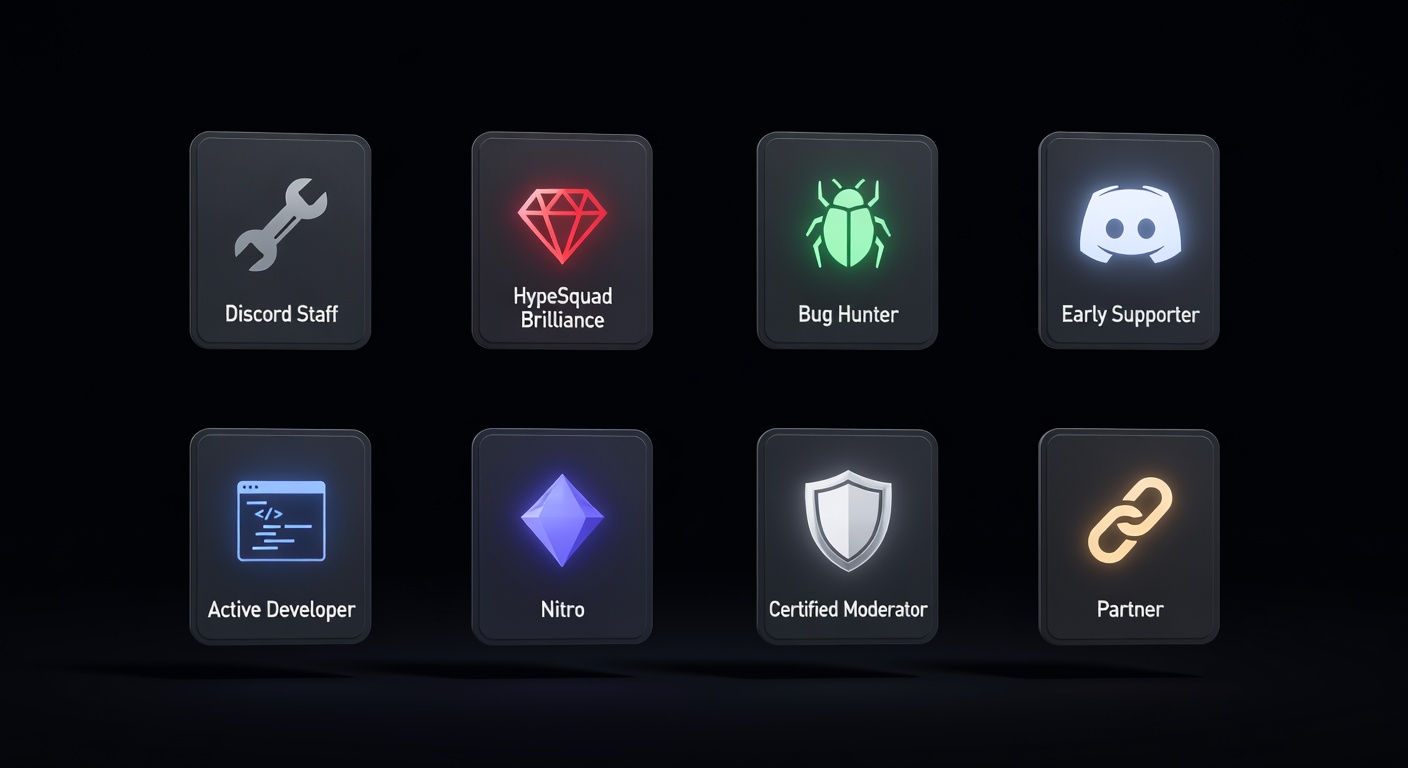
Discord badges are small icons displayed on a user's profile that represent achievements, subscriptions, account history, and special status. They appear in a row on the profile card — visible to anyone who opens that profile in Discord or on discord.dog.
Some badges are earned (Bug Hunter), some are purchased (Nitro), some are granted by Discord (Staff, Partner), and some are legacy markers of early Discord history (Early Supporter). A few badges are now unobtainable — the accounts that have them hold something genuinely rare.
Badges matter in the Discord community partly for status and partly as verification. An Early Supporter badge proves an account is old. A Staff badge means the account belongs to a Discord employee. A Nitro badge indicates an active subscription. This makes badges useful for vetting accounts in communities where reputation matters.
The Complete Discord Badge List
Discord Staff
Awarded to Discord employees. This badge cannot be purchased or earned — it's assigned internally. If you see this badge, the account is (or was) a Discord employee.
Discord Partner
Given to server owners whose servers are part of the Discord Partner Program. Partners receive benefits including animated server icons and higher file upload limits. The badge appears on the server owner's personal profile.
HypeSquad Events
Awarded to active community organizers and event volunteers who participate in Discord's HypeSquad program. A separate application and vetting process from the HypeSquad Houses.
HypeSquad Houses (Bravery, Brilliance, Balance)
Users who take the HypeSquad quiz on Discord are sorted into one of three houses. These badges are tied to the quiz result and can be changed by retaking the quiz. The house badges are one of the few badges any user can obtain easily.
Bug Hunter (Level 1 and Level 2)
Awarded to users who report valid bugs to Discord's QA team through the Discord Testers server. Level 1 is for initial participation. Level 2 (the golden bug) is rare and requires sustained, high-quality bug reporting over time.
Early Nitro Supporter
One of the most coveted legacy badges. Given to users who subscribed to Discord Nitro before October 10, 2018 — before the subscription was widely known. It cannot be obtained today regardless of how long you've been subscribed.
Active Developer
Awarded to Discord developers who have an active application in the Developer Portal with at least one slash command used in the last 30 days. A relatively recent badge that's obtainable for anyone building Discord bots or apps.
Moderator Programs Alumni
Given to graduates of Discord's Community Moderator Program. The program has since been discontinued, making this badge unobtainable for new users.
Nitro Subscriber
Shown on profiles of active Nitro subscribers. The badge changes slightly based on tier (Nitro Classic vs Nitro vs Nitro Basic) and may show a badge anniversary decoration after multiple years of continuous subscription.
Server Booster
Shown when a user is actively boosting a server. The badge may display the number of months they've been boosting. Once the boost lapses, the badge disappears.
Verified Bot Developer
Awarded to developers whose bot has been verified by Discord (required once a bot reaches 100 servers). Discord stopped issuing new versions of this badge after the Active Developer badge launched, making it a legacy indicator.
How to Check Someone's Discord Badges
In the Discord app, you can see someone's badges by clicking their username to open their profile panel. The badges appear as small icons below their display name. Hovering over each icon shows the badge name.
This only works if you share a server with them or are friends. For anyone else, discord.dog fills the gap.
On discord.dog:
- Go to
discord.dog/{userId}ordiscord.dog/{username} - The profile page shows all badges with their names and descriptions
- No Discord account required
Try it now → Look up any Discord profile at discord.dog to see their full badge collection.
Badges You Can't Easily See Without a Tool
Some badge information is encoded in the public_flags bitmask returned by Discord's API — and not all Discord clients display every flag consistently. discord.dog decodes the full flag bitmask and shows all applicable badges.
Additionally, some profile details (like guild-specific badges or quest completion badges) aren't part of public_flags and require hitting Discord's profile endpoint. discord.dog aggregates data from multiple sources to surface all available badge information.
Rare and Legacy Badges
The rarest Discord badges are those that are no longer obtainable:
- Early Supporter — requires an account that subscribed to Nitro before October 2018
- Bug Hunter Level 2 — requires sustained bug reporting; very few accounts have it
- Verified Bot Developer — stopped being issued to new accounts
- Moderator Programs Alumni — program discontinued
If you're evaluating an account and it has an Early Supporter badge, that account has been around since Discord's earliest days. Combined with the account creation date (visible from the snowflake ID — see the Discord account age checker), badges give a meaningful picture of an account's history and legitimacy.
Try it on discord.dog
Paste a Discord ID, invite, or URL and see the public preview immediately.