Discord Custom Status: Ideas, Tips & Hidden Tricks
Everything about Discord custom status — how to set one, expiry options, emoji tricks, and 30+ ideas to make your status stand out.
What Is a Discord Custom Status?
Custom status is a user-set text message that appears alongside your name in server member lists, DM lists, and on your profile card. It consists of an optional emoji and a text field (up to 128 characters).
Custom status is separate from your presence status (Online, Idle, DND, Invisible). You can be DND with a custom status that says "studying for finals" — the red DND indicator and the custom text both display simultaneously. The presence status controls notifications and the colored dot; the custom status is purely informational.
Custom status was added to Discord in 2019 and quickly became one of the most-used profile features. It's free for all users — no Nitro required for the basic functionality.
How to Set a Custom Status
Desktop
- Click your avatar/username in the bottom-left of Discord
- Click Set Custom Status (or click the existing status to edit)
- Choose an emoji (optional)
- Type your status text (up to 128 characters)
- Set the expiry time (or "Don't clear" for permanent)
- Click Save
Mobile
- Tap your avatar in the bottom-right navigation bar
- Tap Set Status
- Choose your custom status option
- Add emoji and text
- Set duration
- Tap Save
Quick Status
Discord also lets you set a status directly from the user panel by clicking your profile picture. The status picker shows your recent statuses for quick reuse.
Expiry Options
When you set a custom status, Discord offers these expiry durations:
| Option | Behavior |
|---|---|
| Don't clear | Status stays until you manually remove it |
| 30 minutes | Automatically clears after 30 minutes |
| 1 hour | Automatically clears after 1 hour |
| 4 hours | Automatically clears after 4 hours |
| Today | Clears at midnight (your local time) |
The "Today" option is useful for statuses like "in meetings until 5pm" or "streaming tonight" that are relevant for the current day only.
Emoji in Custom Status
Every custom status can include one emoji, displayed as a small icon before the status text.
Standard Emoji
All Discord users can use any Unicode emoji — the standard set available on every platform. These include faces, objects, flags, symbols, and more.
Custom Server Emoji (Nitro)
Nitro subscribers can use custom emoji from any server they belong to. This lets you use unique, server-specific emoji as your status icon — game icons, community mascots, meme faces, or anything uploaded to a server's emoji list.
Without Nitro, custom emoji are restricted to the server they were uploaded to and can't be used in status.
Animated Emoji (Nitro)
Nitro also unlocks animated emoji (GIF emoji) in custom status. The animation plays in the member list and profile, adding visual movement to your status.
Where Custom Status Appears
Your custom status is visible in several places:
- Server member list — next to your name, showing emoji and text
- DM list — below your name in the direct message sidebar
- Profile card — when someone clicks your name to view your profile
- User popout — the mini-profile that appears on hover/click in chat
- discord.dog — on your public profile page, updated in real time
Custom status does not appear in chat messages themselves. Your messages show your username and avatar, not your status.
30+ Custom Status Ideas
Mood / Vibe
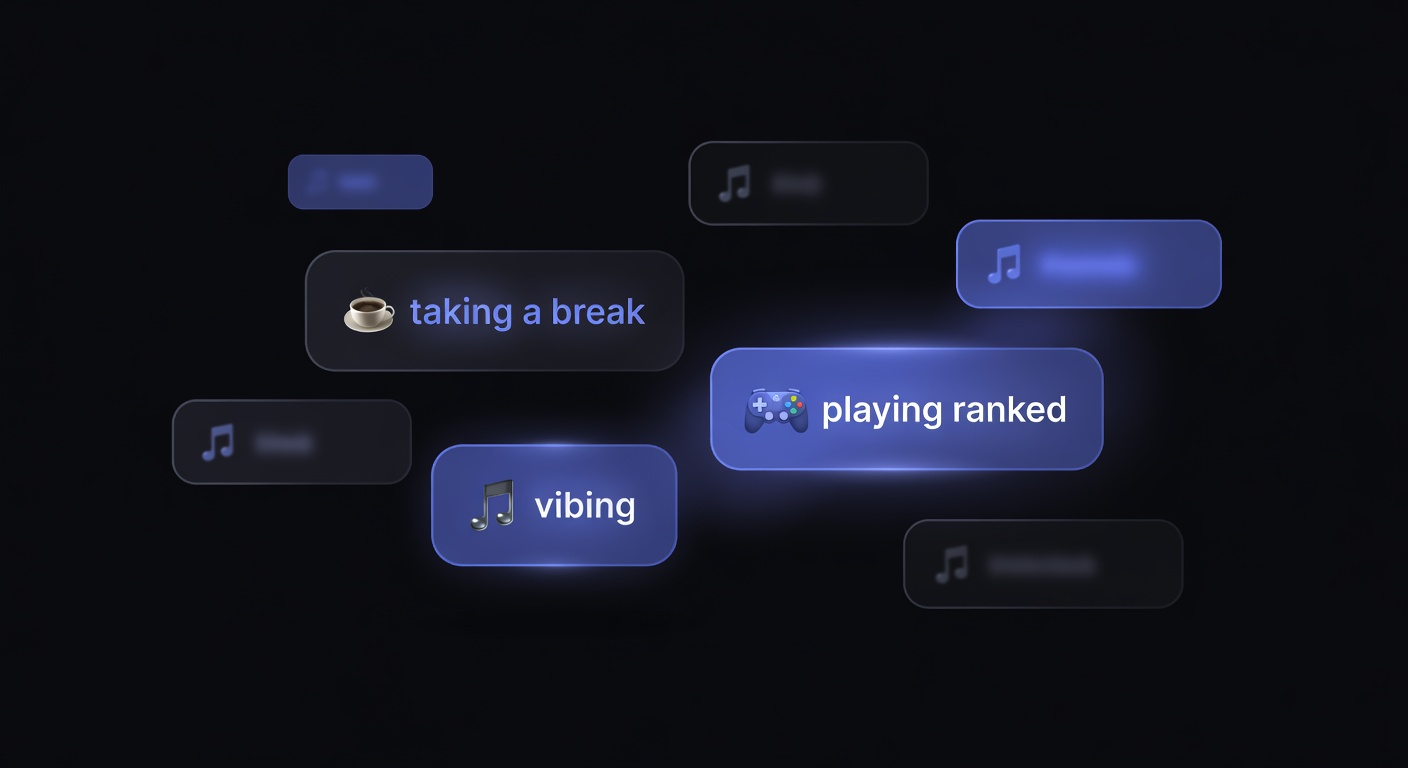
vibing
existing peacefully
in my element
recharging
chaos mode activated
Activity
studying — don't disturb
working on a project
streaming on Twitch
cooking dinner
gym time
Availability
DMs open
slow to respond today
available for voice calls
AFK until 6pm EST
in meetings until 3pm
Humor
pretending to be productive
my other status is a Ferrari
buffering...
error 418: I'm a teapot
loading personality...
professionally unhinged
Gaming
grinding ranked
one more game (I said 3 hours ago)
looking for group
trying not to rage quit
Music
listening to something good
on a music discovery binge
headphones are surgically attached
Developer
deploying to production on a Friday
debugging the bug that fixes the bug
npm install happiness
refactoring my life choices
Seasonal / Temporary
happy holidays
new year, same me
spooky season
touch grass challenge: day 3
Hidden Tricks and Tips
Invisible Status Text
You can use certain Unicode characters (like the Hangul filler character, U+3164) to create a status that appears to have an emoji but no visible text, or text that appears blank. This creates an "empty" looking status.
Status as a Micro-Blog
Some users update their custom status frequently — multiple times per day — using it as a micro-blog to share what they're doing, thinking, or feeling. Friends and server members who see the member list notice these updates organically.
Coordinated Server Statuses
Communities sometimes coordinate status messages for events — everyone in the server sets the same custom status to show solidarity or promote something. This creates a visual effect in the member list where many users display the same message.
Using Status for Timezone Info
Setting your timezone in your custom status (e.g., "PST / UTC-8") helps people in international servers know when you're available without having to ask.
Status Rotation
While Discord doesn't support automatic status rotation, some bot-adjacent tools or third-party clients can cycle through status messages. The standard Discord client requires manual changes.
Viewing Custom Status on discord.dog
discord.dog displays custom status in real time on user profiles. When you visit discord.dog/{userId}:
- The custom status emoji and text appear on the profile card
- Updates happen live via WebSocket — no page refresh needed
- Historical status data is not stored; only the current status is shown
Custom status is part of Discord's presence data, delivered through the Gateway. discord.dog receives these updates through its real-time presence tracking system. See the status tracker guide for how presence tracking works, or the status colors guide for a breakdown of the Online/Idle/DND/Offline indicators that accompany custom status.
Check any user's status now → Visit discord.dog and enter a user ID or username to see their current custom status, presence, and activity in real time.
Frequently Asked Questions
How long can a Discord custom status be?
Discord custom status text has a 128-character limit. This is separate from the bio (190 characters). The status appears in the member list and on your profile alongside your chosen emoji.
Can I use custom emoji in my Discord status?
Yes, but with a caveat. Free users can use any standard Unicode emoji. Nitro subscribers can use custom emoji from any server they're in. The emoji appears as a small icon next to your status text.
Does my custom status replace my online/idle/DND status?
No. Custom status is separate from your presence status. You can have a custom status text while being Online (green), Idle (yellow), DND (red), or Invisible (grey). Both are displayed simultaneously — the presence color on your avatar dot, and the custom status text in the member list and profile.
Can I see someone else's custom status without Discord?
Yes. discord.dog shows custom status in real time on user profiles. Visit discord.dog and enter a user ID or username to see their current custom status, including the emoji and text, updated live via WebSocket.
How do I make my custom status expire automatically?
When setting a custom status in Discord, you can choose an expiry time: Don't clear, 30 minutes, 1 hour, 4 hours, or Today (clears at midnight). The status automatically disappears after the chosen duration.
Try it on discord.dog
Paste a Discord ID, invite, or URL and see the public preview immediately.